
Choose a routine before a resolution
A dance generator needs more than a moving face. Here, the available Party Walk-In creates an entrance, a serious stare and a turn. The hands-up LOS MENOR3S routine is a different reference and is not currently offered for generation here. Model, resolution, duration and aspect ratio control the available output settings; they do not change one choreography into another.
One clear photo is the starting point
For a person, use a face and upper body that are easy to read. For a cat or dog, select the pet lead and keep its muzzle, ears and markings visible. The tool generates a new scene from the photo instead of copying a filmed dancer onto a background. It does not require dance footage or a green screen.
Know what you are paying for
Review the server’s credit quote after choosing your settings and before generation. Credits are the account’s generation balance; a credit pack is not a guarantee that every combination of model and duration costs the same. Sign in to purchase credits and keep track of your tasks and results. The pricing page lists one-time packs and subscriptions.
Judge motion as well as likeness
Watch the complete clip once for identity and once for movement. Check the face, hands or paws, body continuity and final pose. A convincing opening frame can still lead to a weak turn or clipped gesture. Keep the photo and settings consistent when comparing alternatives so that one change is easier to evaluate.
Finish with the right format and sound
A vertical output can suit a phone feed, while wider framing may leave more room for hands and shoulders. Check the final crop before downloading. The tool does not supply the original KAROL G recording or lyrics. For a familiar commercial sound, use a licensed selection on your publishing platform.
From photo to party
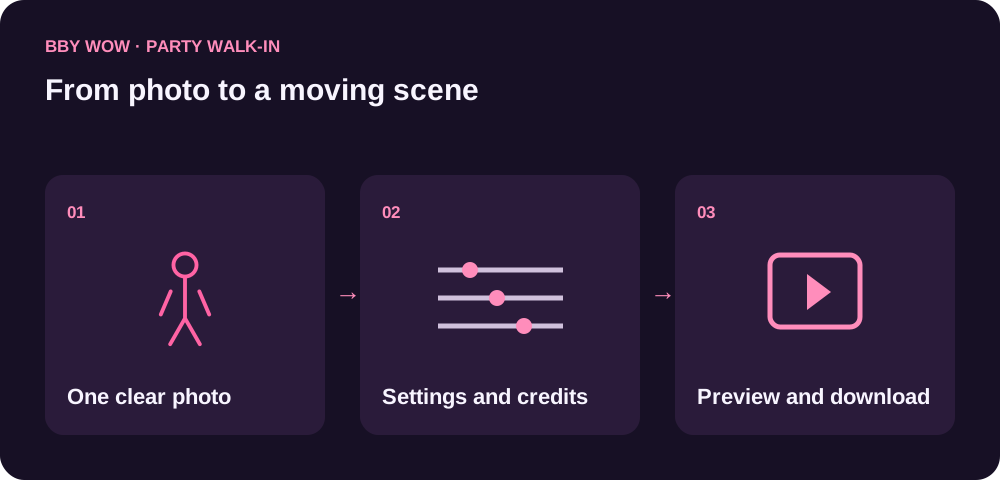
- Upload one clear person or pet photo.
- Choose Party Walk-In and your output settings; review the credits.
- Generate, preview the full movement and download.
Questions before you start
What can this AI dance generator make?
The available tool generates the BBY WOW Party Walk-In. A separate guide explains the low-angle LOS MENOR3S dance, which is not currently offered for generation here.
Do I need to know the dance?
No. The preset requests the movement from one photo. Check the output because AI motion and likeness can vary.
Can I choose any song or choreography?
This page focuses on the named BBY WOW routines. It does not promise arbitrary choreography or supply a license to any commercial song.
How many credits does a video use?
The selected model, resolution and duration determine the quote. Review the server’s current total before submission and compare packs on the pricing page.