
A pet photo is a different input
Select the pet subject option rather than asking a human preset to guess what the photo contains. The pet version adapts the party approach, pause and turn to an animal lead. It may stylize movement; a successful person video does not tell you how your particular pet will look.
Choose the photo before choosing the outfit
Use one cat or dog with its eyes, nose, ears and body clearly visible. Keep the animal large enough in the frame to see its coat pattern. Avoid a hand covering its muzzle, a leash across its face, or a second pet overlapping it. A normal, well-lit photo is more useful than a tiny pet cropped from a busy room.
Check what makes your pet yours
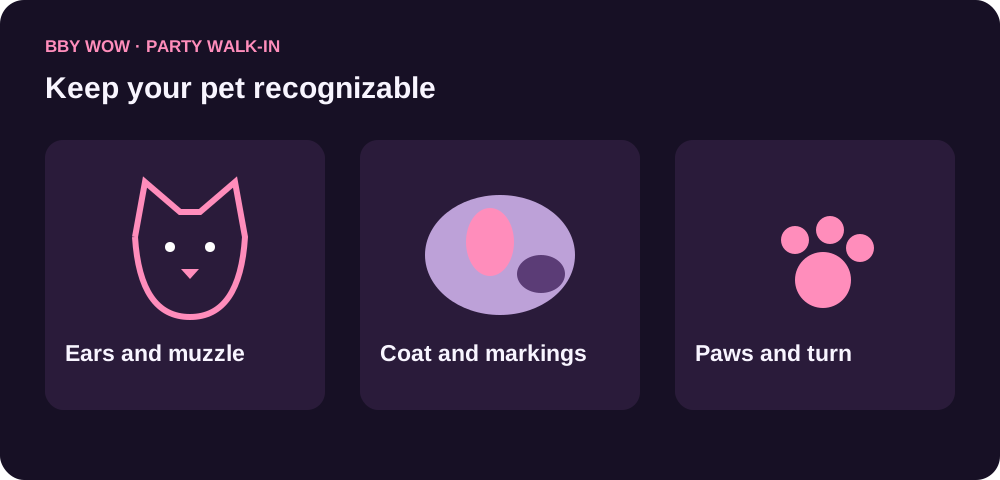
After generation, compare the coat color, eye position, ear shape and muzzle with the input. Watch the paws during the approach and the body during the turn. Motion and anatomy can vary in AI video; keep a result only when the full sequence looks right to you. No real pet needs to stand, dance or hold food for the photo.
Two animals need two separate decisions
For a dog-and-cat comparison, make separate versions using each animal’s clearest photo. Keep the output settings the same if you want to compare the treatment fairly. This workflow starts with one lead photo, not a promise to preserve several pets in a single generated crowd.
Share the joke with care
Download your result after reviewing it. The original commercial song is not included; add a licensed sound on the destination platform if you want music. Avoid presenting a generated scene as footage of something your pet actually did.
From photo to party
- Upload one clear cat or dog photo.
- Select the pet lead and Party Walk-In; review the settings and quote.
- Watch the face, paws and turn, then download your video.
Questions before you start
Can my dog do the Bby Wow walk-in?
Yes, the generator has a pet lead option for adapting the party entrance from a dog photo. Review the finished face and movement because AI results vary.
Can I use a cat photo?
Yes. Use one clearly visible cat, with its ears, muzzle, coat pattern and body readable in the photo.
Do I need to photograph my pet standing up?
No. Use a comfortable natural pose. The video generator creates the movement.
Can I use two pets in the same photo?
The main workflow uses one lead photo and is best prepared with one visible animal. Make separate clips if you want to compare two pets.