
Make your BBY WOW party-entrance video
Prepare an authorized photo, choose the right subject and review a walk-in, hand-to-mouth, gaze and turn sequence.
The short answer
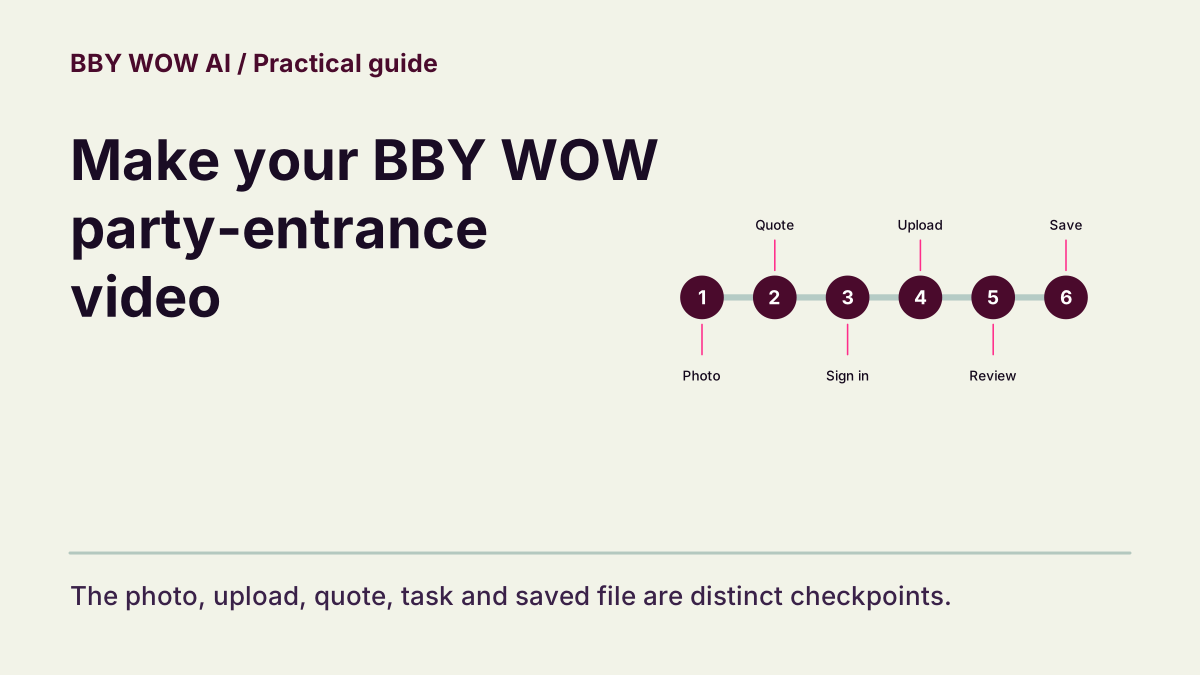
Start with one clear person or pet photo. Choose the matching subject type, check the current settings and complete quote, then submit once. The main party-entrance sequence is an approach toward the camera, a hand-to-mouth gesture, a held gaze and a turn away.
In this guide
What to check
| Choose the party-entrance version | The party entrance and low-angle dance are different references. |
|---|---|
| Prepare one readable subject | Show the face or muzzle and useful body detail. |
| Review the quote before confirming | A chosen file is not yet a submitted task. |
| Follow one task and watch the full result | Check the sequence at normal playback speed. |
| Save the correct file | Open the download before sharing it. |
Choose the party-entrance version
Watch the reference before choosing a photo. The BBY WOW guy / Dime Dime Baby entrance follows an approach, a gesture near the mouth, direct eye contact and a turn. That is the main sequence here. The LOS MENOR3S low-angle dance is a separate reference with different movement.
Prepare one readable subject
Use your own image or one you have permission to use. Avoid several equally prominent faces, heavy filters and hidden limbs. A head-and-body view gives a useful movement reference, while a tight face crop leaves the model to invent more of the body. Keep the original file for comparison.
Review the quote before confirming
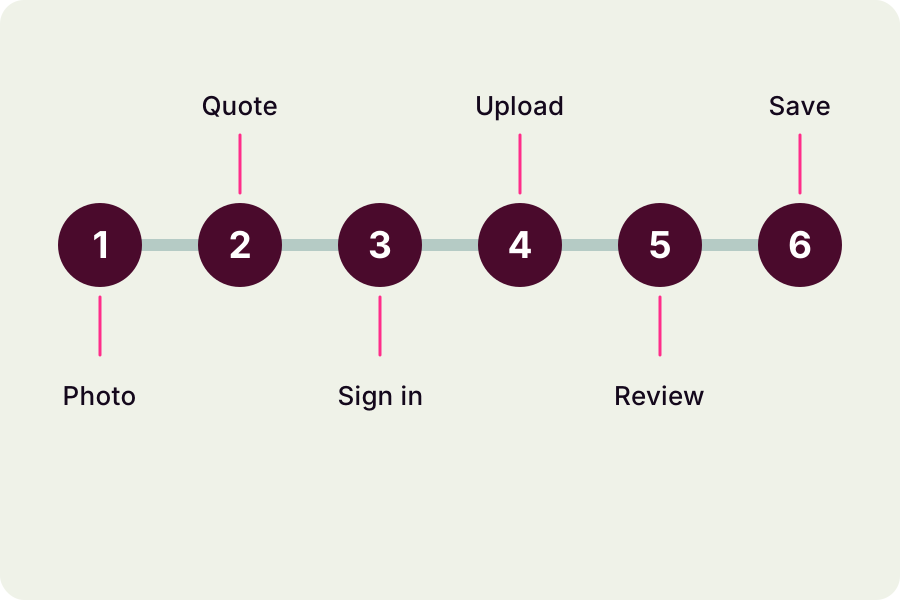
Selecting a photo shows a local preview. Match People or Pets to the subject, choose the scene, and check the model, duration, resolution and format. Read the complete credit quote after your last change. When you confirm generation, the site checks sign-in, balance and availability before uploading the photo; follow the visible upload message and then the task in My Videos. A preview alone does not prove upload completion or task acceptance.
Follow one task and watch the full result
After submission, follow the existing task in My Videos. Review the approach, hand-to-mouth gesture, held gaze and turn in order. Check identity, hand or paw contact, body shape, camera continuity and any included sound. A thumbnail or a successful task label cannot replace full playback.
Save the correct file
Select the work you just reviewed and use its available download action. Open the saved file outside the site to confirm its picture, duration and sound. If a task is unresolved, keep its identifier and contact support before submitting again. A new generation has its own quote and does not guarantee a correction.
Contact support