
Keep identity and outfit checks separate
A practical review of face, hair, fur, clothing and accessories throughout a moving AI clip.
The short answer
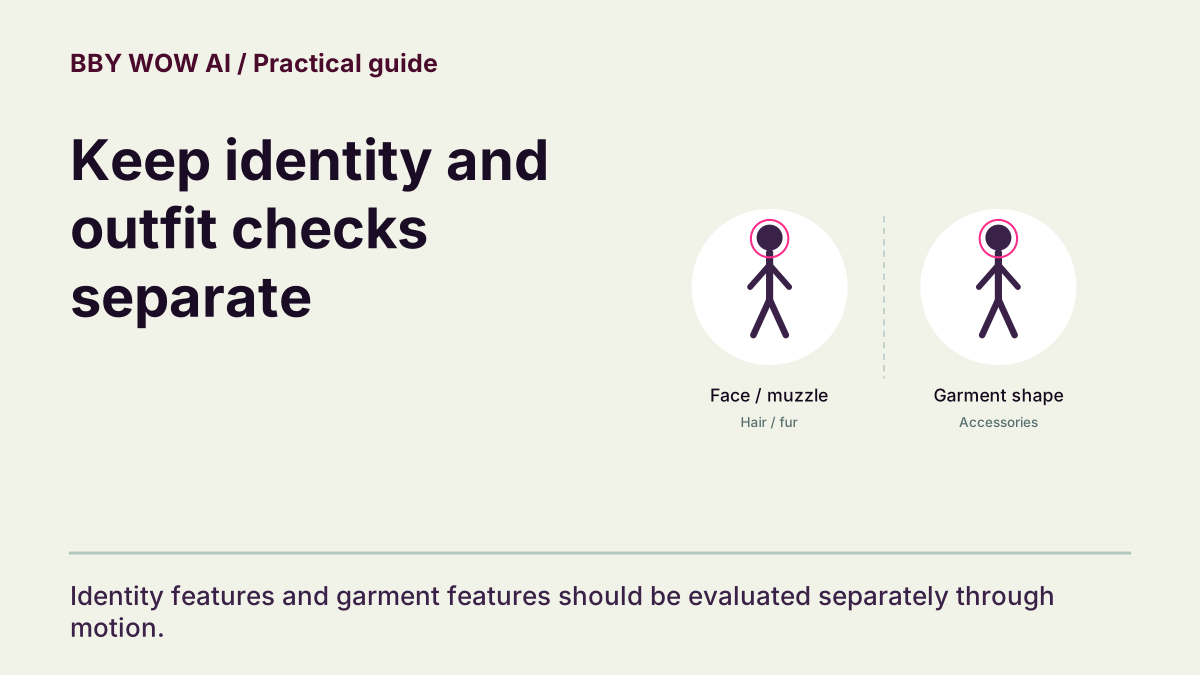
Compare the result with details visible in your own input. Review identity and clothing as separate questions, then check both through movement. A face that looks right in the opening still can change during the hand gesture or turn away.
In this guide
What to check
| Choose specific reference details | Make recognition more concrete. |
|---|---|
| Inspect movement transitions | Turns and leans expose different views. |
| Compare garment shapes | Color can change with light. |
| Look at contact and occlusion | Hands can briefly hide the face. |
| Report the feature and interval | A precise report helps investigation. |
Choose specific reference details
Before generating, note a few visible features: face outline, hair shape, a jacket collar or a pet’s coat markings. Avoid demanding unseen details such as shoes outside the photo. Use the same reference when judging the completed clip; resemblance is not established by a favorable thumbnail.
Inspect movement transitions
Watch the opening, hand-to-mouth gesture and turn away at normal speed. Check that the face remains the same person and that a pet keeps its recognizable muzzle, ears and markings. Pause an observed transition to inspect it, then play through again to judge continuity.
Compare garment shapes
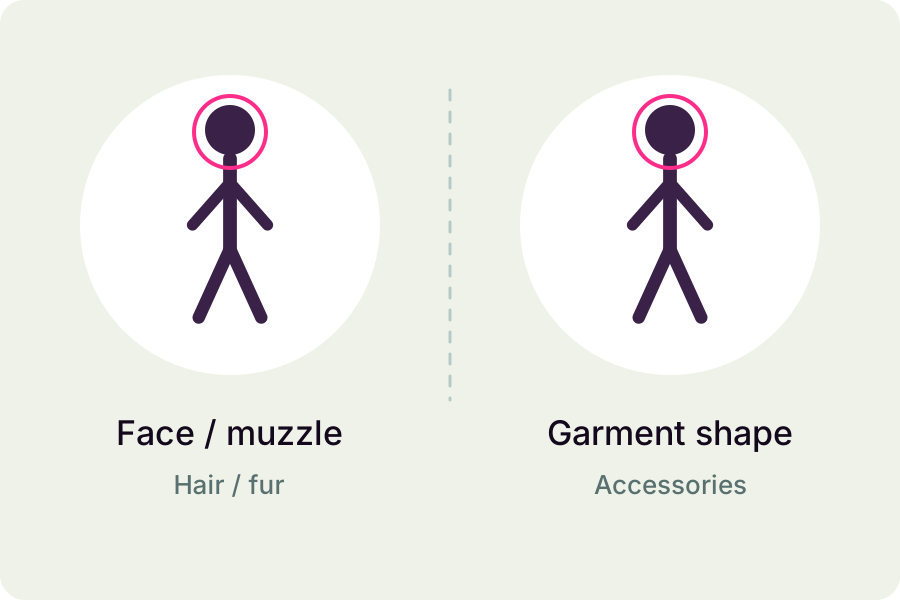
Lighting may warm a white shirt or darken a jacket. Compare collar, sleeve length, silhouette and patterns as well as color. A collar turning into a hood halfway through is a different issue from a consistent shirt under changing light. Do not assume the source establishes clothes that were outside the frame.
Look at contact and occlusion
A raised hand, hair across the face and a turn away can obscure features. Check whether the original appearance returns after the obstruction. Pay attention to glasses, jewelry and a pet’s collar, but do not mistake a brief occlusion for a confirmed change without watching the next frames.
Report the feature and interval
Save the source and selected work, note the affected time range and describe the feature that changed. Contact support with the task and settings. Review does not promise a free redo. If you choose a new generation, its new quote applies and an altered setting does not guarantee a fix.
Contact support