
Keep the full entrance inside the frame
Understand source format, player containers and crops so the face, hand and turn stay visible.
The short answer
The video file’s aspect ratio is different from the shape of a preview card. Open the main player and the saved file before deciding that a body part was removed. Use a format that fits the intended post, and review every visible crop in the destination app.
In this guide
What to check
| Separate the file and the container | The preview box is not the encoded frame. |
|---|---|
| Choose the intended posting format | Check available settings before quoting. |
| Protect the movement envelope | Overhead and forward motion need space. |
| Review the destination editor | Social apps can add another crop. |
| Open the final saved version | Check the file you will actually share. |
Separate the file and the container
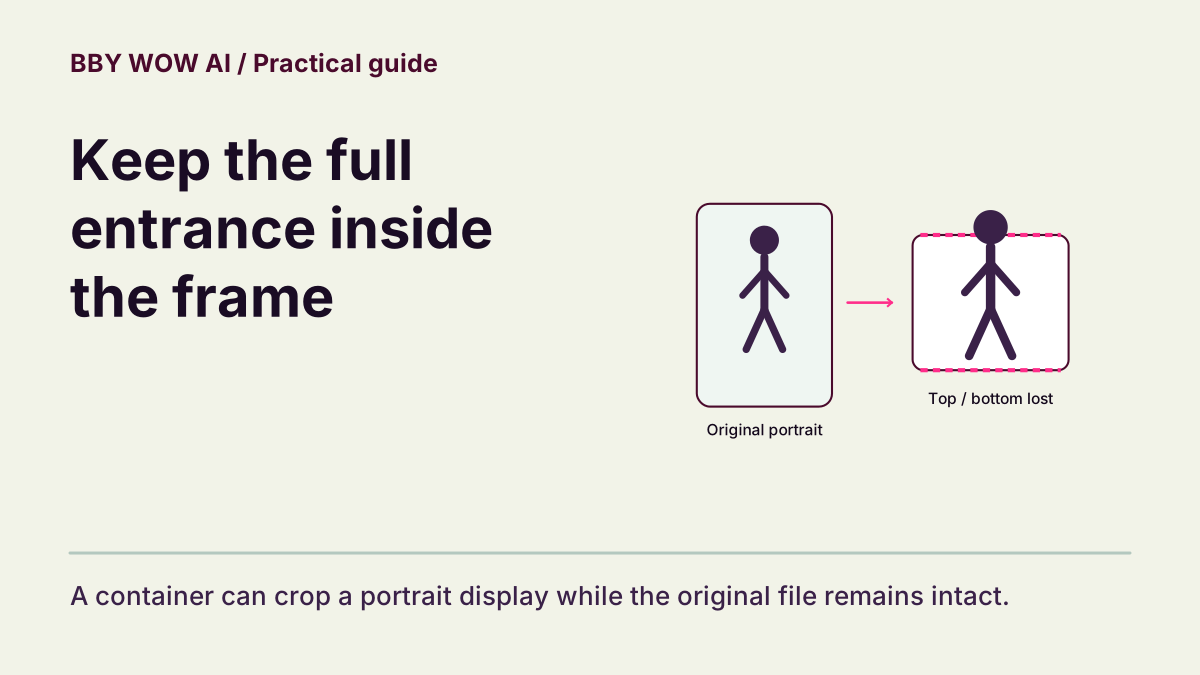
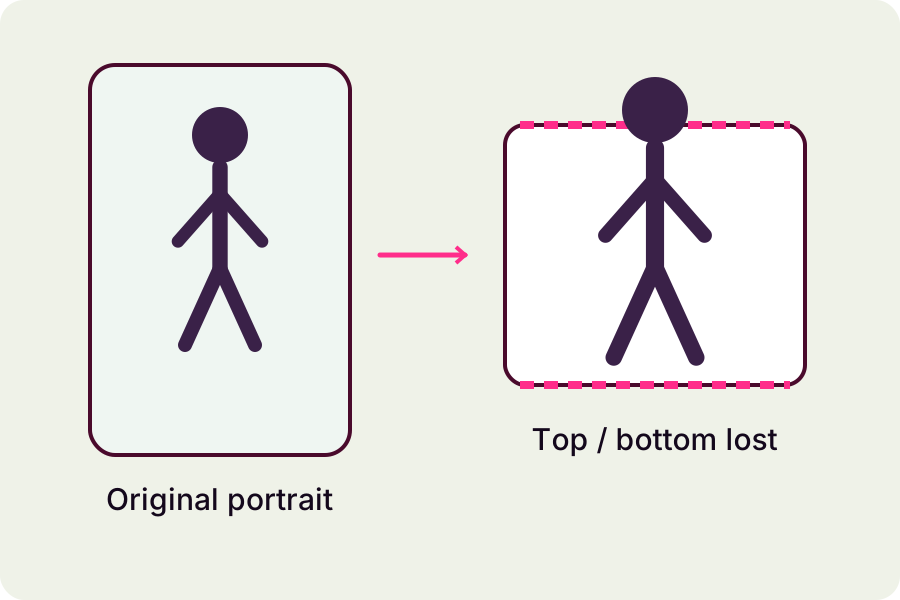
A portrait file can appear inside a wider page card. Fitting the entire file leaves space at the sides; filling the card can crop the top and bottom. Neither display choice changes the downloaded file by itself. Inspect the main preview to understand what the clip actually contains.
Choose the intended posting format
Portrait is commonly useful for phone-first dance posts, but choose only a format the active model offers. Review the complete quote after changing settings. A format selector sets a technical output shape; it cannot restore a hand already missing from the source or guarantee a particular composition.
Protect the movement envelope
Inspect the approach, the hand near the mouth and the full turn. Keep the head and feet visible when those details matter. A first frame with generous space is not proof that the rest of the movement fits. Watch the complete shot rather than accepting a single crop.
Review the destination editor
When importing, check whether the app fills the screen, adds a background or zooms the clip. Reposition only after watching the full movement. Leave room for interface overlays and captions without assuming a universal safe area; layouts change between apps and devices.
Open the final saved version
After any edit, play the saved export. Confirm orientation, framing, native duration and sound. Keep the original download so you can compare the export. If the original file itself cuts important movement, note the interval when reporting the problem.
Contact support