
Prepare a cat or dog photo for the BBY WOW entrance
Choose a recognizable pet, preserve coat details and inspect the movement as a pet adaptation.
The short answer
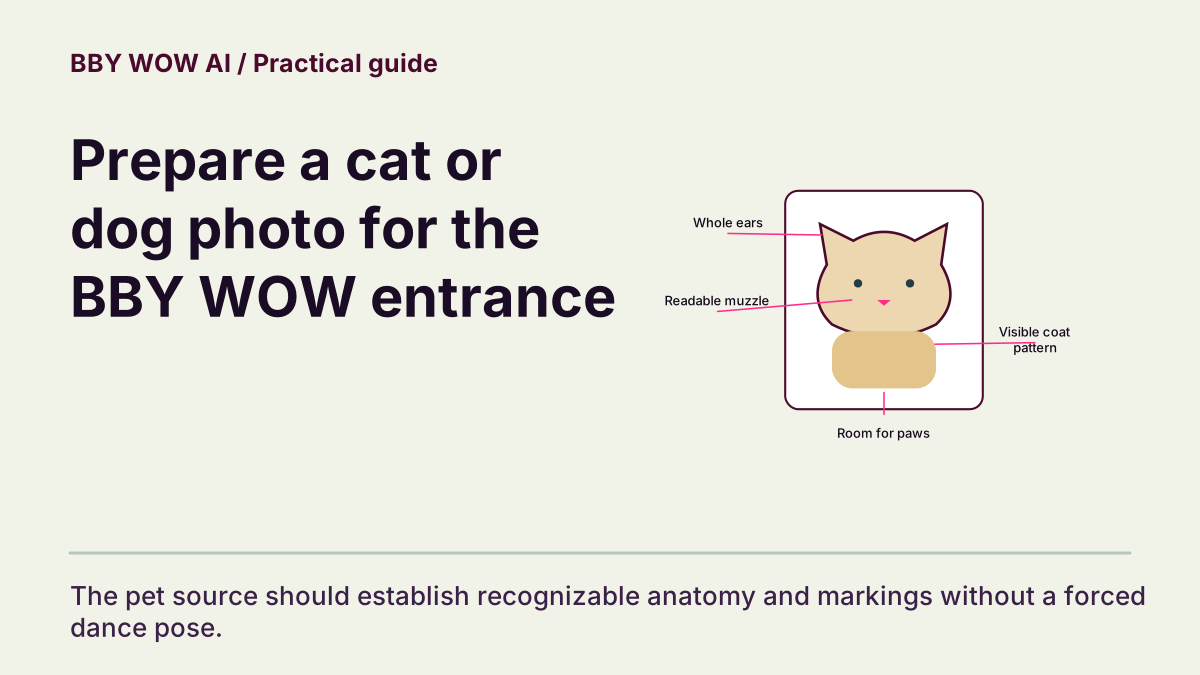
Choose one clear cat or dog with visible ears, muzzle, markings and enough body for the intended entrance. Select Pets in the studio. The result is a generated adaptation; check anatomy and recognizable features rather than assuming a human gesture transfers perfectly to an animal.
In this guide
What to check
| Pick one unmistakable pet | The viewer should know which animal is the subject. |
|---|---|
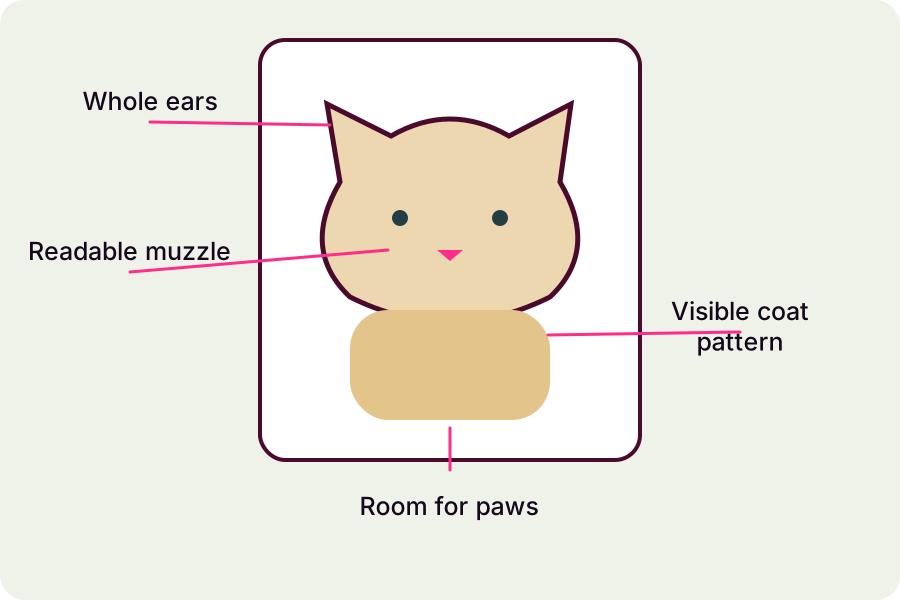
| Keep ears, muzzle and coat detail visible | These details establish recognition. |
| Choose the matching subject setting | A pet adaptation has its own anatomy. |
| Inspect movement as an adaptation | Check limbs through the full sequence. |
| Share without overstating the result | Keep the real animal comfortable and the caption honest. |
Pick one unmistakable pet
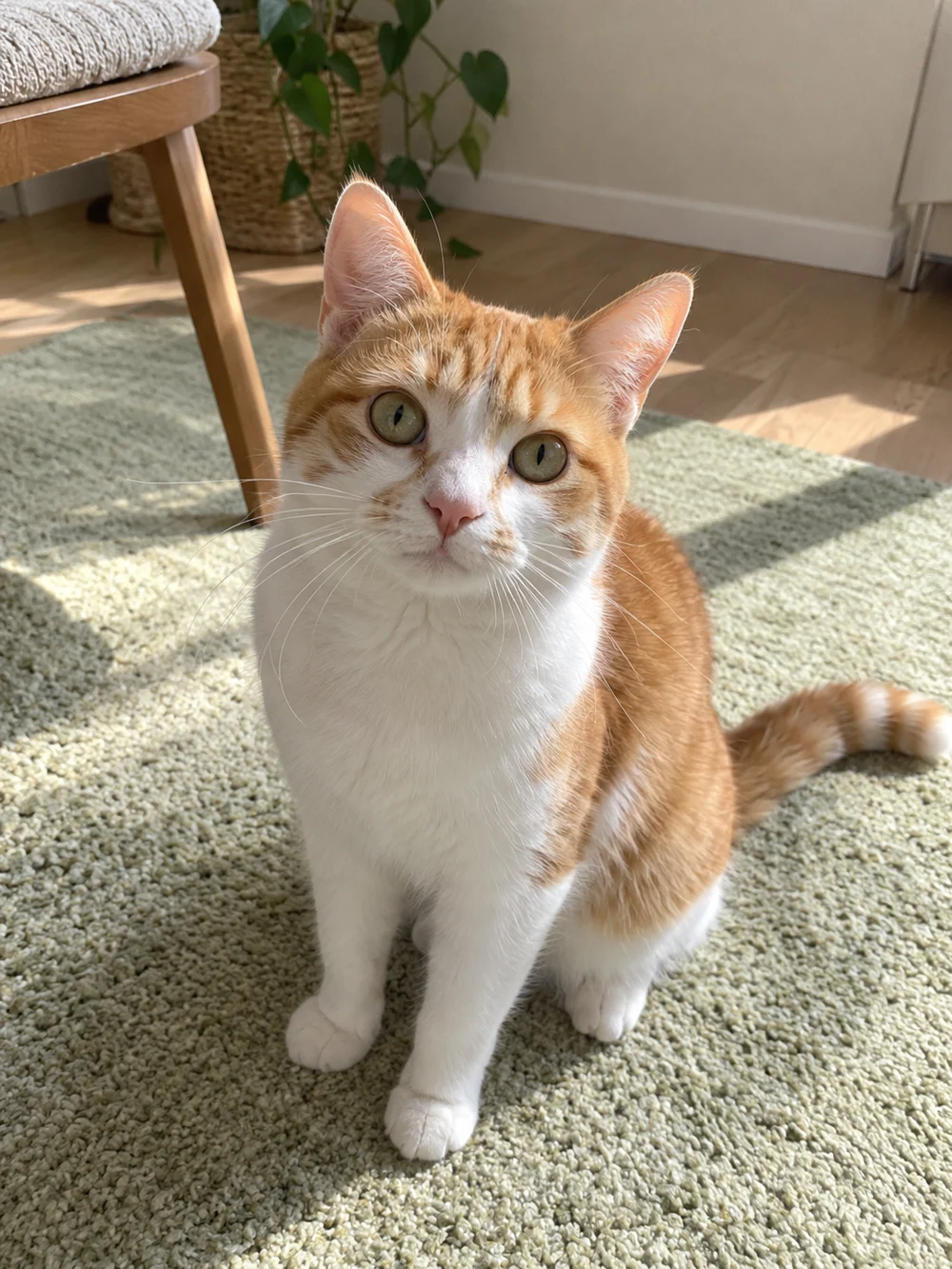
Avoid a group of pets, a tiny animal in a wide room or a muzzle hidden behind a toy. A relaxed standing or sitting photo can show useful shape and markings. You do not need to force an animal into a dance pose to take the input photo.
Keep ears, muzzle and coat detail visible
Look for clear eyes and a readable muzzle, with coat boundaries that are not lost in shadow or heavy filtering. Leave room around ears and paws. If a collar or patch is a key feature, make sure it is actually present in the source instead of expecting the model to invent it correctly.
Choose the matching subject setting
Select Pets when the visible studio offers the subject choice. Review the current effect and output settings, then the complete quote. Choosing a category guides the request; it does not certify every pose, breed or input. A photo restoration allowance is separate from video generation.
Inspect movement as an adaptation
Play the approach, hand-or-paw gesture, held gaze and turn at native speed. Look for merged paws, extra limbs, implausible joints or a muzzle that changes shape. A successful pet adaptation can be playful while remaining visually coherent; one cute still does not prove the rest of the clip is sound.
Share without overstating the result
Save and review the final file before posting. Describe it as a generated pet entrance rather than actual training or real footage. Do not assume a trend soundtrack comes with permission for every post. Keep the task and problem interval if you need help with a technical issue.
Contact support