
Protect the photos you upload
Choose appropriate source images, separate private work from public references and handle links carefully.
The short answer
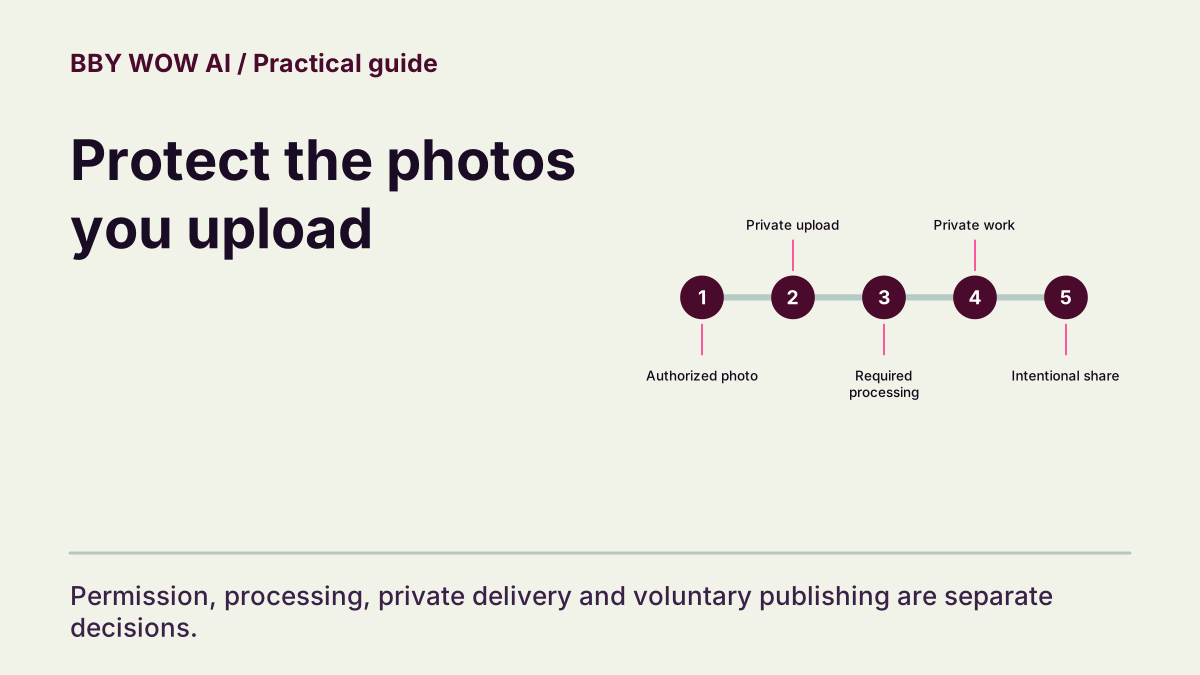
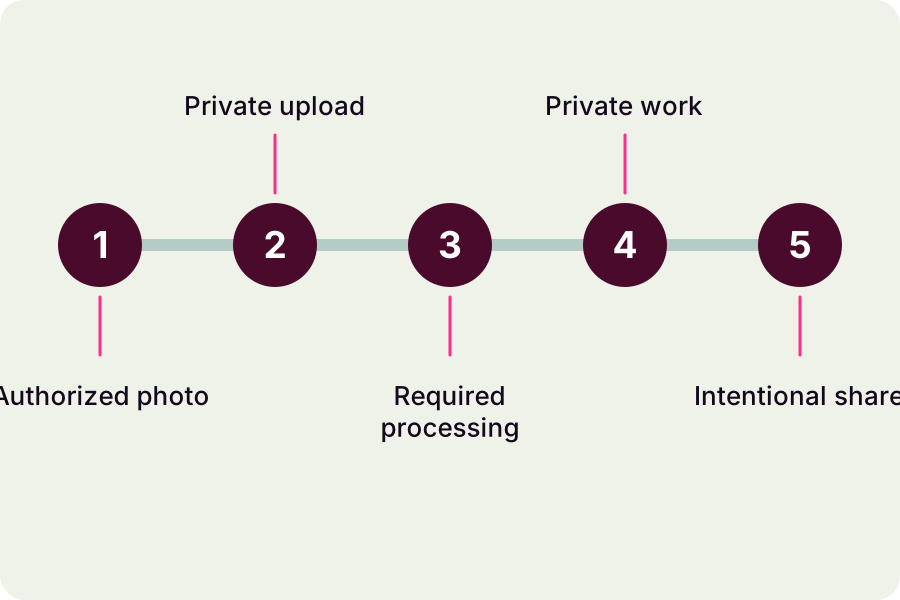
Use only photos you are authorized to process. Your private task and public examples are different kinds of content. Keep sensitive images out of public reports, and use the account support route for deletion or access requests.
In this guide
What to check
| Choose an appropriate source | Permission comes before image quality. |
|---|---|
| Understand processing | Generation involves third-party services. |
| Keep examples and private work distinct | A public sample is not your upload. |
| Handle media links cautiously | Share a file intentionally. |
| Request deletion with useful identifiers | Retention is not an instant-deletion promise. |
Choose an appropriate source
Use your own photo or get permission for this specific generated use. Do not upload another person merely because their photo is public. Avoid images containing documents, addresses or unrelated people. For a minor, obtain the required parent or guardian consent and follow the service’s age and safety rules.
Understand processing
The service sends the necessary inputs to configured rendering and safety providers to process authorized requests. Read the Privacy Policy for the current categories of data and providers. A private account library does not mean no third party processes the source.
Keep examples and private work distinct
External reference clips and editorial images explain a task; they do not demonstrate access to your account. Select your own work from its task record. Files are not automatically made public merely because the site also displays examples.
Handle media links cautiously
Some media links are temporary or require account authorization. Do not post private resource URLs, browser cookies or account tokens. If you intend to share a reviewed clip, save the permitted output and use the destination platform deliberately. Check the depicted person’s consent again for the intended audience.
Request deletion with useful identifiers
Use the support ticket route to identify the account, task and files concerned. The Privacy Policy explains retention and records that may need to remain for legal, payment or security reasons. A finished render or closed tab does not by itself delete source files, and no immediate backup-erasure deadline is promised here.
Contact support