
Preview and download the work you selected
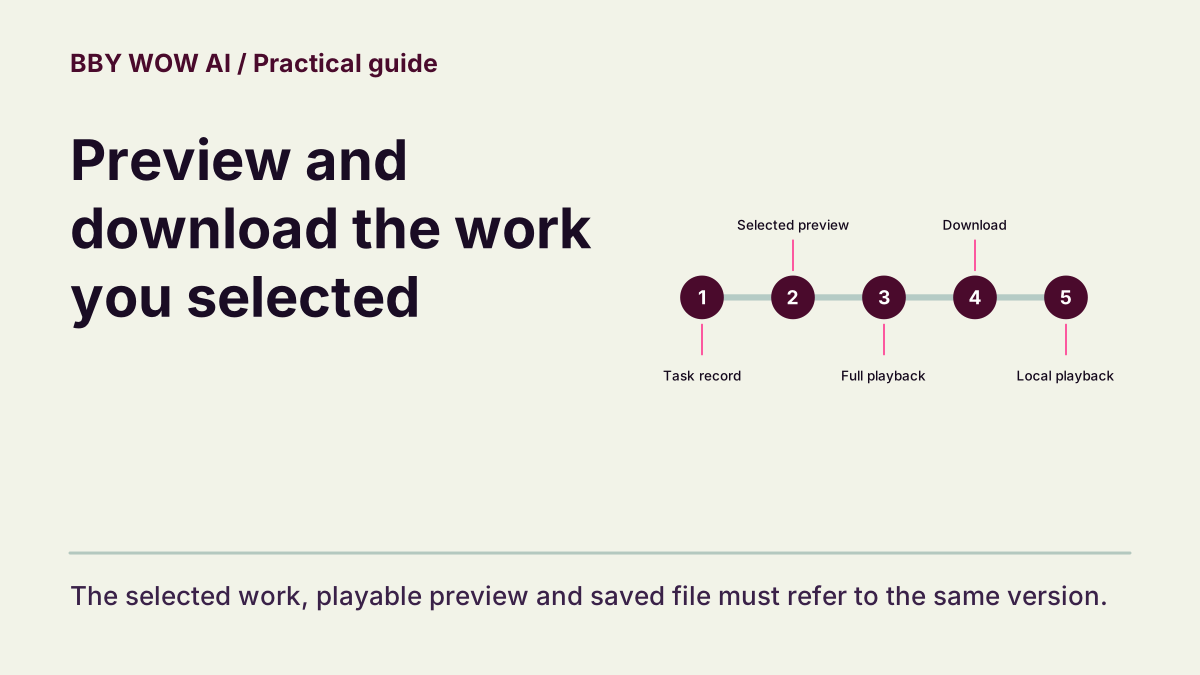
Follow one work from its task record to full playback and a verified local copy.
The short answer
Select your own work, play it in full and download that same version. A sample carousel, thumbnail or task record is not the saved media file. Open the download outside the site before considering it ready to share.
In this guide
What to check
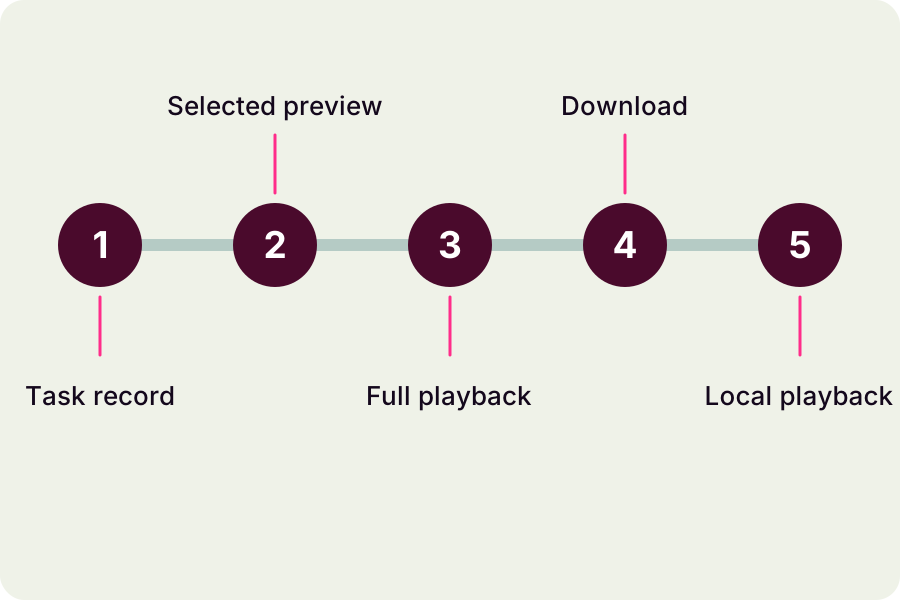
| Start from the task record | Know which work is active. |
|---|---|
| Wait for a playable delivery | Processing and delivery are different states. |
| Review picture and sound together | The whole clip is the unit of review. |
| Download the selected version | Use the action associated with that work. |
| Open the saved copy | A local playback check closes the loop. |
Start from the task record
In My Videos, identify the work by its title, time and available task details. Open its main preview rather than a neighboring example. If you have several attempts, keep the input and settings with each result so a promising version is not confused with an earlier file.
Wait for a playable delivery
A processing task is not ready for download. If the interface reports completion but playback fails, record that discrepancy and contact support. A successful provider response alone does not show that your browser received a playable file.
Review picture and sound together
Play at native speed from the first frame to the ending. Check subject identity, action sequence, crop and included sound. If you pause to inspect a fault, replay across the transition. Do not approve the file based on a poster or a few isolated moments.
Download the selected version
Use the download control for the selected item. Browser download handling differs between devices; confirm a file was actually saved rather than only opening a preview. Keep its filename or save location associated with the work you reviewed.
Open the saved copy
Play the saved file in your device’s normal media viewer. Confirm the full duration, orientation and sound. If the wrong version was saved, return to the original record instead of generating again. Keep a separate backup before making edits in another app.
Contact support