
Review the complete clip before publishing
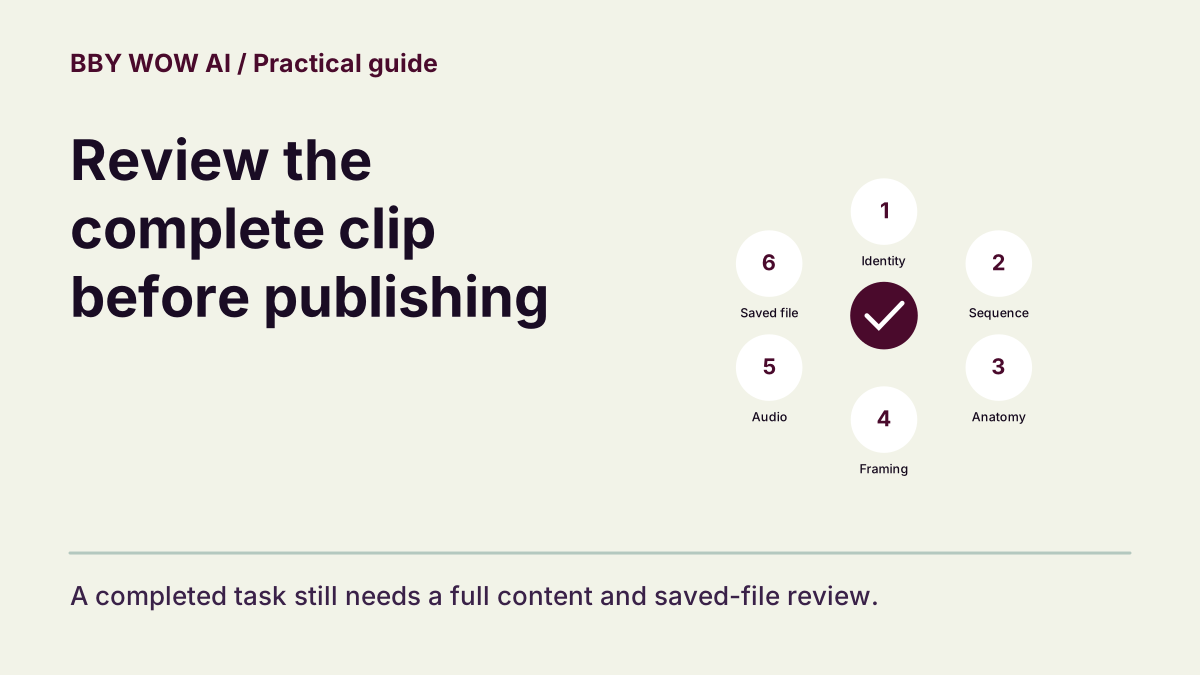
A focused pass for identity, entrance sequence, anatomy, framing, sound and your final saved file.
The short answer
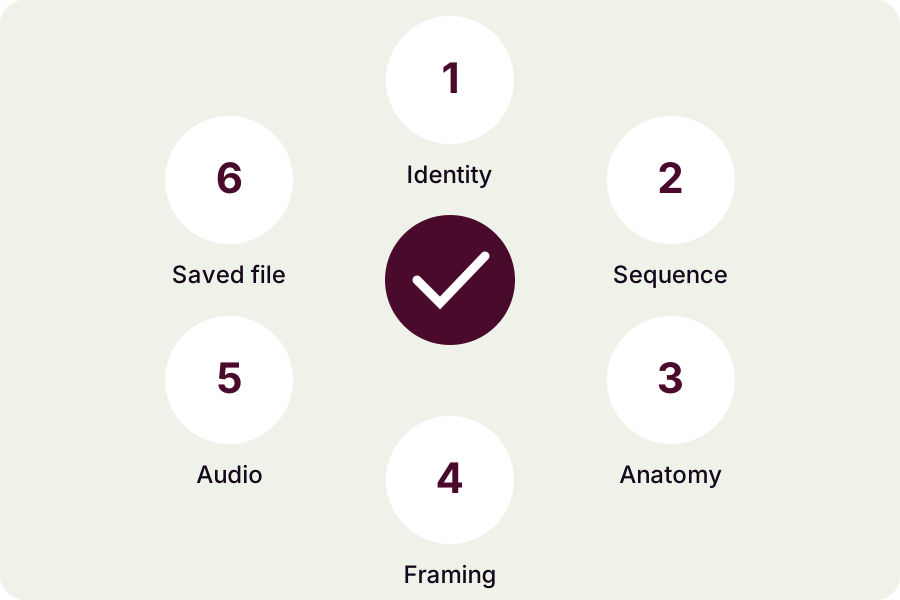
Watch the entire clip at native speed, then inspect any problem interval. Check identity, action order, hands or paws, camera framing and sound separately. Finish by opening the downloaded or edited file you intend to post.
In this guide
What to check
| Watch without skipping | Do one uninterrupted first pass. |
|---|---|
| Compare identity and anatomy | Use the authorized source as reference. |
| Check the intended entrance and camera | A matching room is not enough. |
| Listen and inspect the complete frame | Picture and sound have separate failure modes. |
| Approve the final file and its context | Review what viewers will receive. |
Watch without skipping
View the opening, middle and ending without jumping ahead. Notice a frozen segment, abrupt scene reset or missing movement. A short social clip still needs a complete check: quality in the first seconds does not establish the quality of the ending.
Compare identity and anatomy
Check face, hair or fur and distinctive markings through movement. Inspect hands, paws and joints as the subject approaches, gestures and turns. Separate temporary occlusion from a persistent changed feature. Record the interval of a visible error instead of judging from memory.
Check the intended entrance and camera
For the main entrance, check approach, hand-to-mouth gesture, held gaze and turn in sequence, with a coherent party setting and camera. If you wanted a different BBY WOW reference, compare its own action order. Do not accept a generic movement solely because the title uses the same phrase.
Listen and inspect the complete frame
Check that important limbs stay within the actual video frame and listen for silence, clipping or sustained voice changes. A social editor may crop or shift the music later, so repeat the check after editing. Music availability does not establish permission for every use.
Approve the final file and its context
Open the saved export, check its duration and orientation, and make sure captions do not imply genuine footage or an artist’s endorsement. Confirm permission from the person depicted and any music rights. If reporting an issue, include the task, settings and exact interval; do not repeatedly resubmit an unresolved task.
Contact support